PST Archive Viewer › Guides › Outlook.com export on a Mac
Open your Outlook.com mailbox export (.pst) on a Mac
Last updated 28 November 2026 · Applies to version 1.1.1
Microsoft's documented way to save an Outlook.com mailbox as a file is to add the account to Outlook for Windows and export it to a .pst. That file holds a copy of your email, contacts and calendar up to the day you made it. A Mac cannot open it by itself; PST Archive Viewer reads and searches it for free, offline, and never changes it.
Free to open and search · macOS 12 or later, Apple Silicon · No account
1. How the export is made
Microsoft's article Export your Outlook.com mailbox describes one route to a .pst, and it runs in desktop Outlook for Windows:
- Get desktop Outlook. Microsoft offers a free Microsoft 365 trial, or classic Outlook for Windows, which can export in Reduced Functionality Mode without a subscription or trial.
- Add your Outlook.com address to that Outlook as an account.
- Export. In classic Outlook the steps are File › Open & Export › Import/Export › Export to a file › Outlook Data File (.pst), then pick the mailbox, a location and a name (Microsoft's backup steps). You can set an optional password at the end.
The same article says the new Outlook for Windows can export to .pst as well, and that legacy Outlook for Mac exports to an .olm file instead. PST Archive Viewer does not open .olm files, so if you only have a Mac and want a file this app can read, the export step has to happen once on a Windows PC.
2. What is in the file, and what you can do with it
| In the export | In PST Archive Viewer | Plan |
|---|---|---|
| Email in its folders | Read every message, search by word, sender, date or attachment | Free, no cap on emails |
| Attachments | Preview with Quick Look, save to disk | Free |
| Contacts | View, export as vCard (.vcf) | Free |
| Calendar | View, export as iCalendar (.ics) | Free |
| Single emails as EML or PDF | Export or print one at a time | 20 free, unlimited in Personal |
| Whole folders or searches | Bulk EML, PDF or MBOX with a SHA-256 report | Personal ($29 once) |
3. Open it on the Mac
- Copy the
.pstto the Mac. For files over 4 GB use an exFAT drive or a network copy, and check that the size matches on both sides. - Download PST Archive Viewer and drag it to Applications.
- Drag the
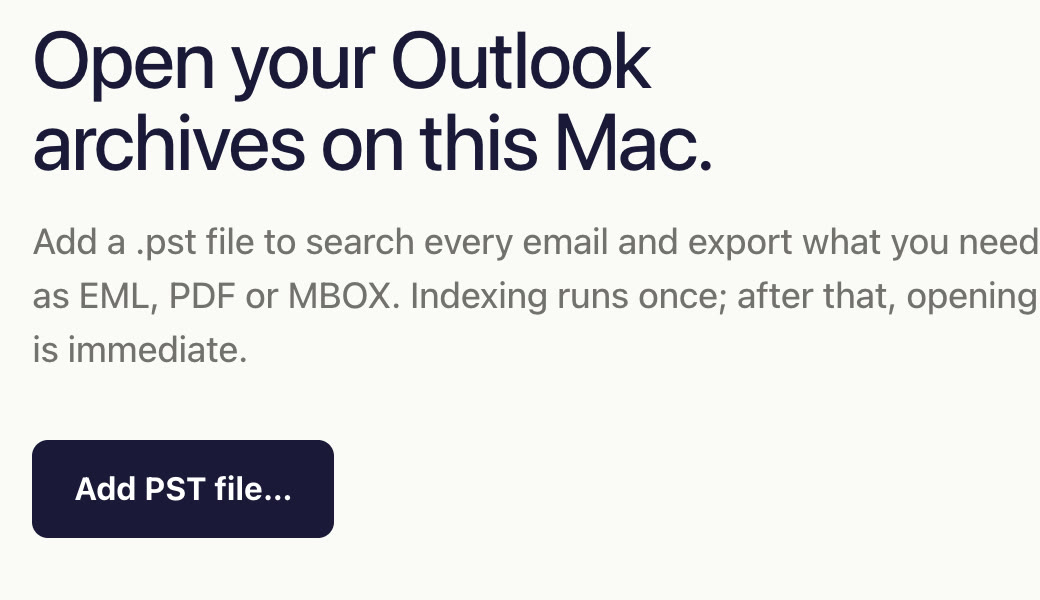
.pstonto the window. It is opened read-only. - Let it index once. You can read and search what is already indexed while the rest catches up, and pause or quit at any time.
- Search. Press
/and type, or narrow withfrom:,after:andhas:attachment. See how to search a PST.
If you set a password during the export, try the file without it first: Outlook's PST password locks the file in Outlook but does not encrypt the mail, so it usually opens anyway.
Why a viewer instead of a mail app
An export is usually a backup or the last copy of an account you are closing. Importing it into a mail app copies everything again and mixes it with current mail. A viewer leaves the file as it is: nothing is imported, the PST is never written to, and the search index is kept separately in your Library folder, where you can delete it from the app. Mail and attachments stay on the Mac; there is no account and no upload.
When this is not the right tool
- You want the mail back in a live mailbox. Importing the
.pstinto Outlook is the route for that; a viewer only reads. - You only have an
.olmfile from legacy Outlook for Mac. This app does not open OLM. - You use an Intel Mac, Windows or an iPhone. The app runs on Apple Silicon Macs with macOS 12 or later.
- The export is damaged and will not index. Export again, or repair it with
scanpst.exeon Windows.
Questions
Can I open an Outlook.com .pst export on a Mac without Outlook?
Yes. PST Archive Viewer reads the .pst directly, without Outlook or a Microsoft account. Opening, reading and searching are free, with no limit on the number of emails.
How do I export my Outlook.com mailbox to a .pst?
Microsoft's support article says to add the Outlook.com account to desktop Outlook for Windows and export it to an Outlook Data File (.pst). Classic Outlook for Windows can do this in Reduced Functionality Mode without a Microsoft 365 subscription.
What does the export contain?
According to Microsoft, a copy of your email, contacts and calendar up to the date you created the file. PST Archive Viewer shows all three and exports contacts as vCard and calendar items as iCalendar for free.
Can I export my Outlook.com mailbox from a Mac?
Microsoft's article mentions legacy Outlook for Mac, which exports to an .olm file instead of a .pst. PST Archive Viewer does not open .olm files, so the .pst export needs Outlook for Windows.
Will opening the export change it?
No. The .pst is opened read-only. The search index is stored separately in your Library folder and can be deleted from the app at any time.