PST Archive Viewer › Free PST viewer for Mac
Free PST viewer for Mac, with no email limit
Last updated 24 November 2026 · Applies to version 1.1
PST Archive Viewer is a free PST viewer for Apple Silicon Macs. The free version opens an Outlook .pst file, shows every folder and every email, and searches the full text, with no cap on how many emails you can read. It works offline, without Outlook and without an account. You pay only when you need to export mail in bulk.
Free to open and search · macOS 12 or later, Apple Silicon · No account
What the free version does
| Free | Personal, $29 once | |
|---|---|---|
| Open a PST and read every email | Yes, no limit | Yes |
| Full-text search, filters, highlighted matches | Yes, no limit | Yes |
| Contacts, calendar, tasks and notes | Yes, with vCard and iCalendar export | Yes |
| Preview attachments with Quick Look | Yes | Yes |
| Export single emails as EML or PDF, or print them | 20 emails in total | Unlimited |
| Bulk export, MBOX, result list as CSV | No | Yes |
| Archives in the library | One | Unlimited |
Pro ($79 once, or $39 a year) adds search inside attachments with on-device OCR, legal PDF with Bates numbers, duplicate hiding and conversation view. The full table is on the pricing section.
Check the limit before you pick a free viewer
“Free” means different things. When we looked at Mac App Store listings in November 2026, several PST viewers limited their free version to about 10 emails per folder, or 10 emails a day. That is enough to confirm that a file opens. It is not enough to find one message in ten years of mail.
Free online viewers have a different cost: you upload the whole mailbox to someone else’s server, and most stop at files of a few gigabytes.
So before you choose, check three things: how many emails the free version shows, whether search is included, and whether the file leaves your Mac.
Open your PST for free in three steps
- Install. Download the DMG and drag PST Archive Viewer to Applications. It is signed and notarized by Apple.
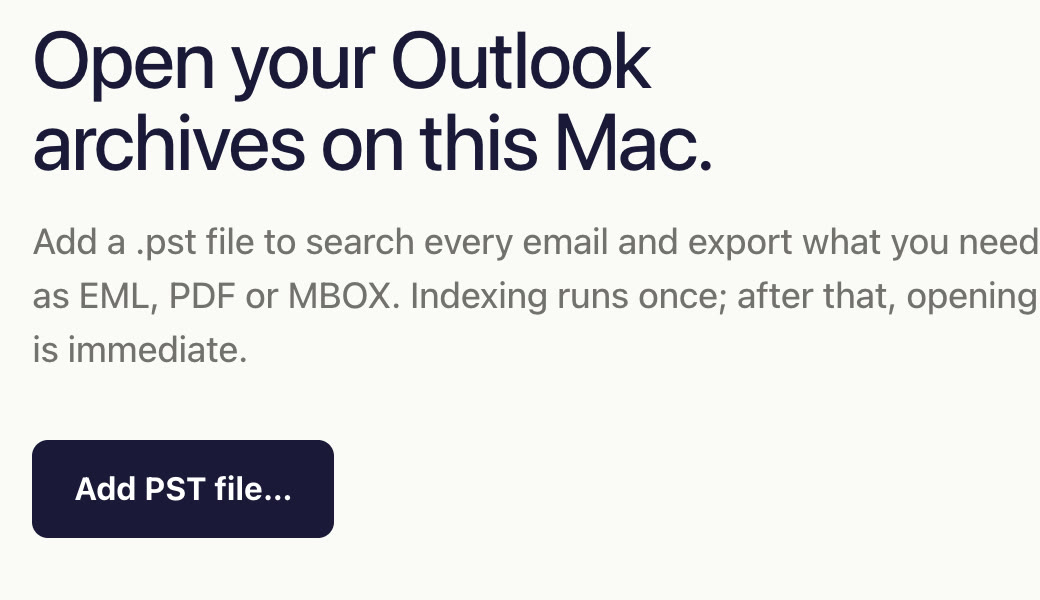
- Add the file. Click Add PST file… or drag the
.pstonto the window. The file is opened read-only and is never changed. - Read and search. The app indexes the file once in the background. You can read and search what is already indexed while the rest is processed.
When the free version is not enough, or not right
- You need more than 20 emails out of the file. Reading stays free; unlimited and bulk export need Personal.
- You want two or more archives side by side. Free keeps one archive in the library.
- You have an Intel Mac, Windows, an iPhone or an iPad. The app runs on Apple Silicon Macs with macOS 12 or later only.
- The file is badly damaged. Repair it first with Microsoft’s Inbox Repair Tool (
scanpst.exe) on Windows. - It is an OST file. Many open like a PST, some newer ones do not. The free version tells you in a minute.
Questions
Is PST Archive Viewer really free?
Yes. Opening a PST, reading every email and searching are free with no time limit and no cap on the number of emails. The free version keeps one archive in the library and exports 20 single emails. Unlimited and bulk export need the Personal plan, $29 paid once.
Do I need Outlook or a Microsoft account?
No. The app reads the PST file directly. You do not need Outlook, Microsoft 365 or any account.
Is my mail uploaded anywhere?
No. The PST, the emails and the search index stay on your Mac. The app goes online only to activate and re-check a license key and to check for app updates. Nothing about your mail is sent.
What happens after I use the 20 free exports?
You can keep opening, reading and searching. Exporting or printing more emails needs the Personal plan.
How large a PST can the free version open?
The free version has no file size limit. The app is designed for archives of 40 GB and more; the search index needs free disk space of about 10 to 35 percent of the PST size.